
Keep your socials. Lose the feed.
Block the insidious feeds and free yourself from toxic algorithms without losing access to your socials.
3
Sites handled — Facebook, Instagram, YouTube
0
Accounts, sign-ups or subscriptions
0
Bytes of your data leaving the device
100%
Source code public and readable
The page loads. The feed doesn’t.
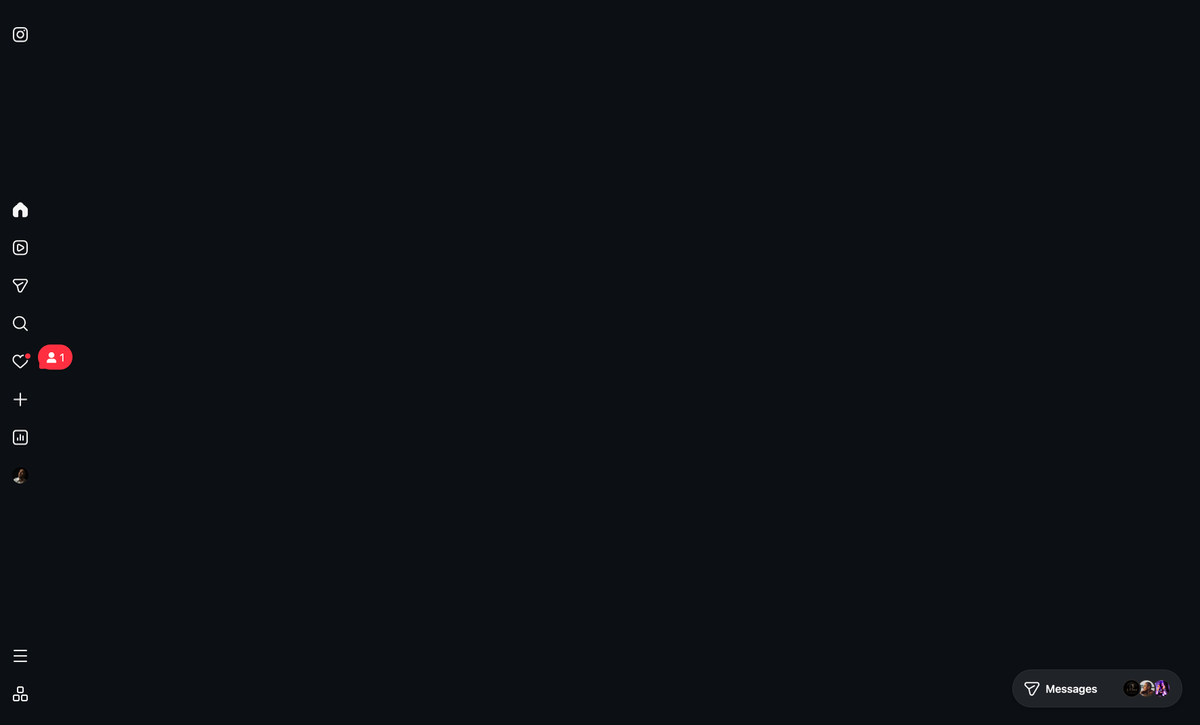
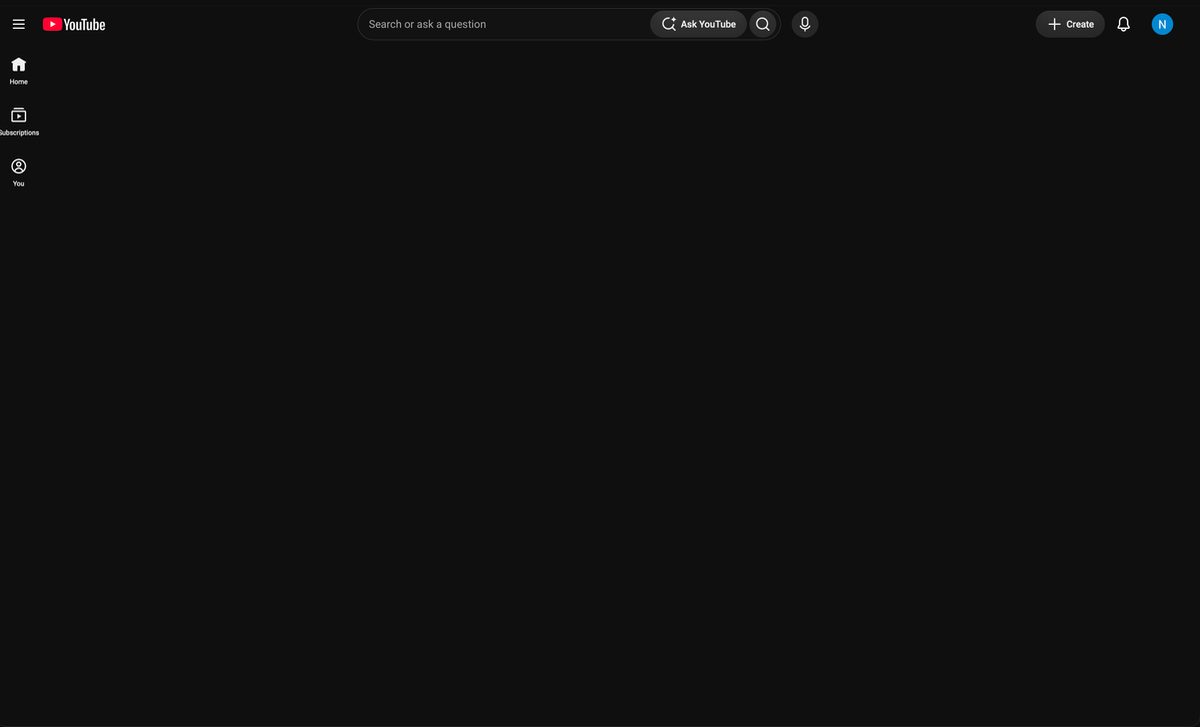
FeedBlocker hides only the endless scroll. Search, messages, profiles, groups, your own posts — everything you actually came for stays exactly where it was.

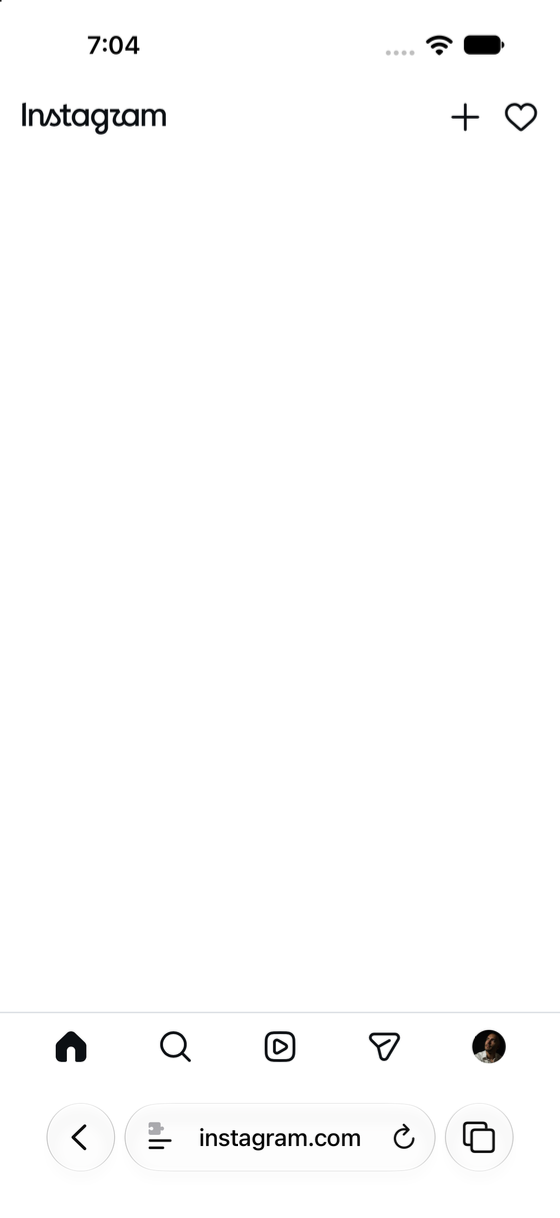
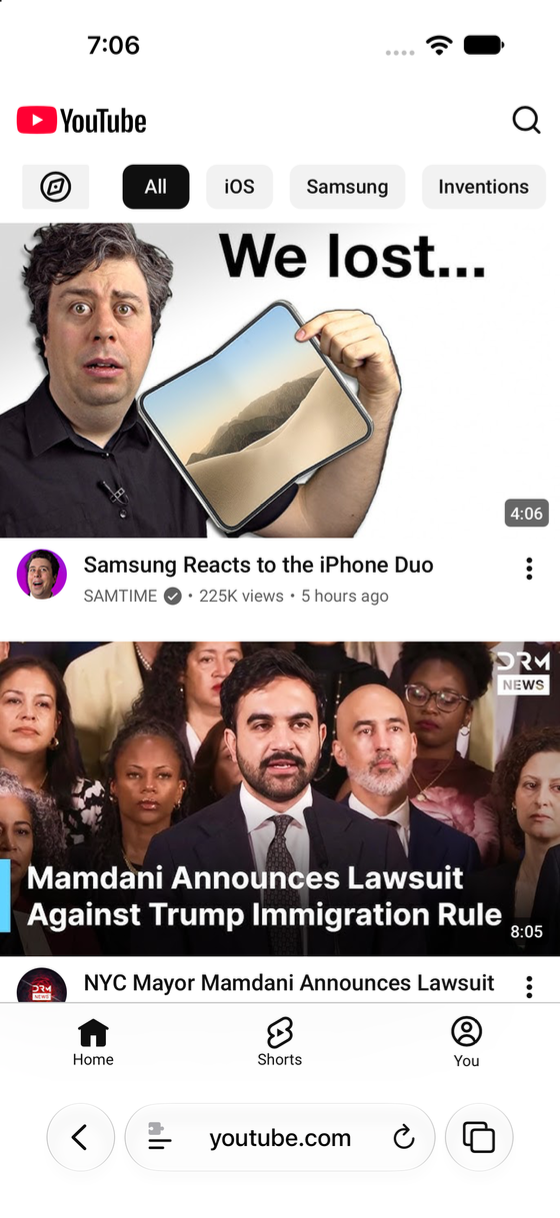
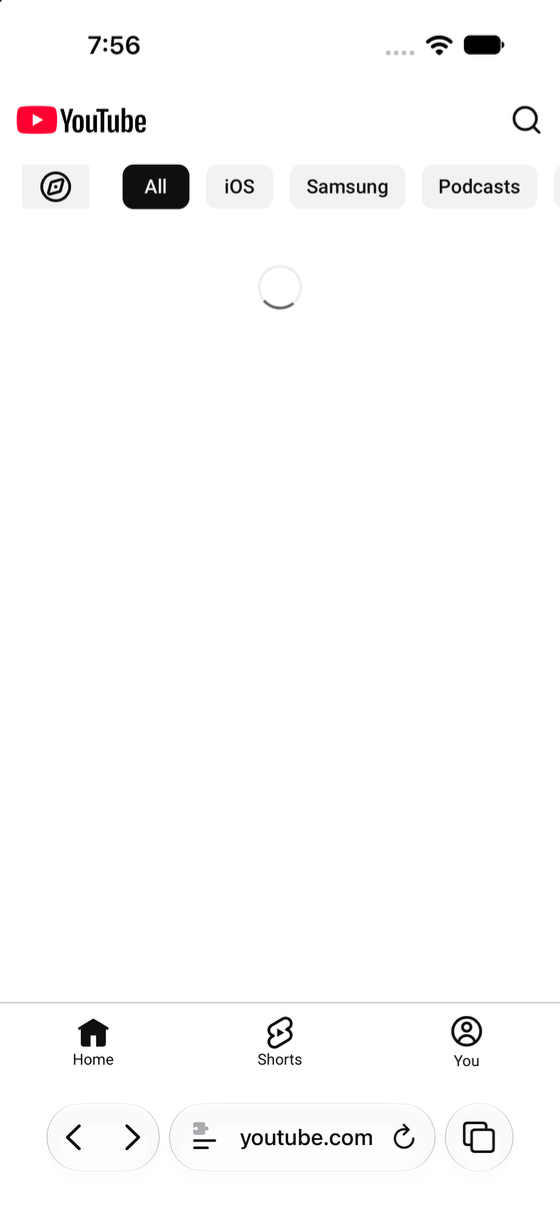
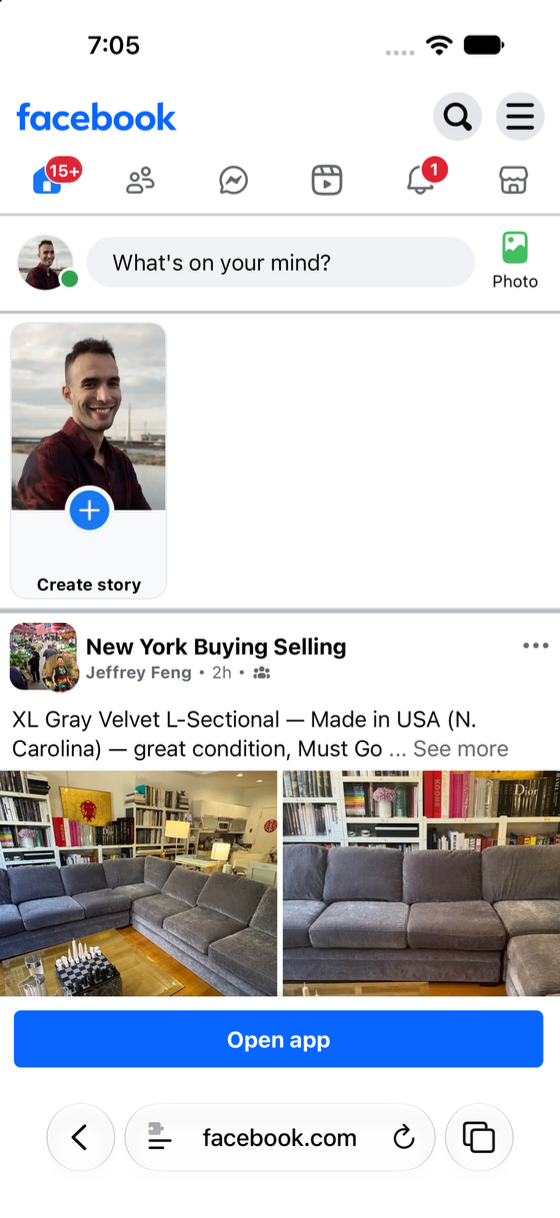
FeedBlocker on — the feed is gone, the site still works
Nothing is redirected, nothing is blacklisted, no site is taken away from you. The extension runs a small piece of JavaScript on the page you already opened and hides the feed container. Everything else renders as normal.
Because it works on the page itself, you keep using Safari the way you always have: same bookmarks, same logins, same tabs. Turn it off for a minute and the feed comes back.
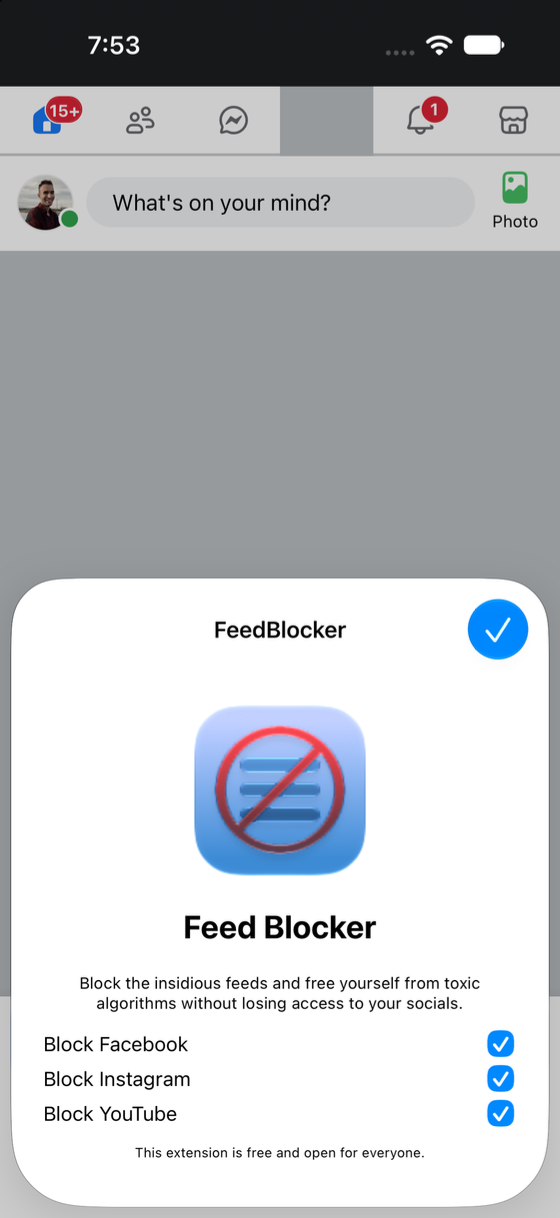
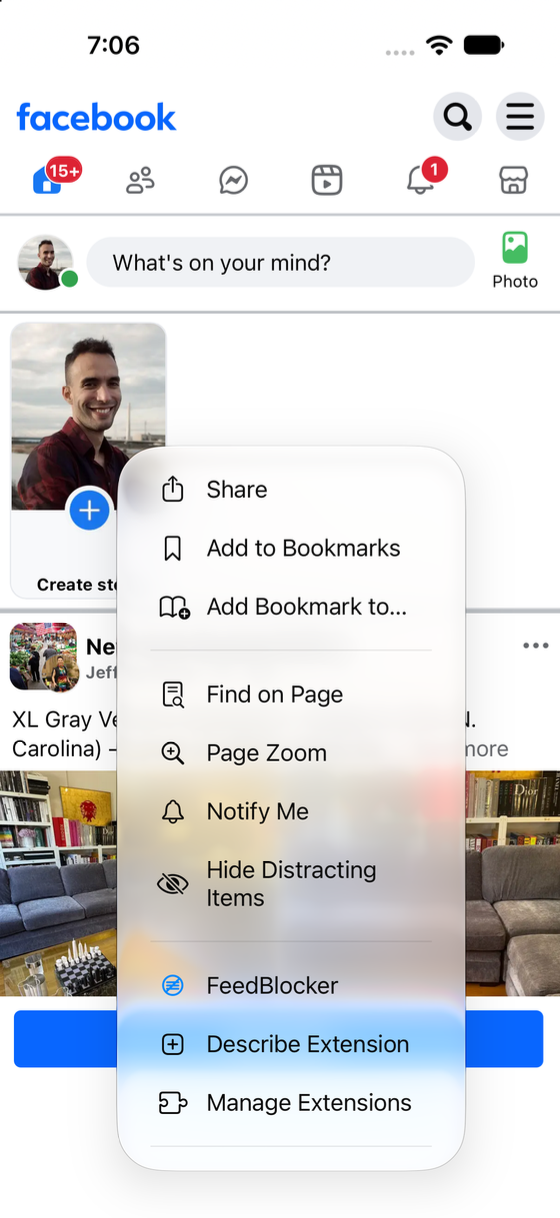
Three switches, reachable from the page you’re on.
Open the extension from Safari’s menu and choose which of the three sites stay quiet. Block all of them, or leave YouTube on for the evening. The choice lives on your device and nowhere else.
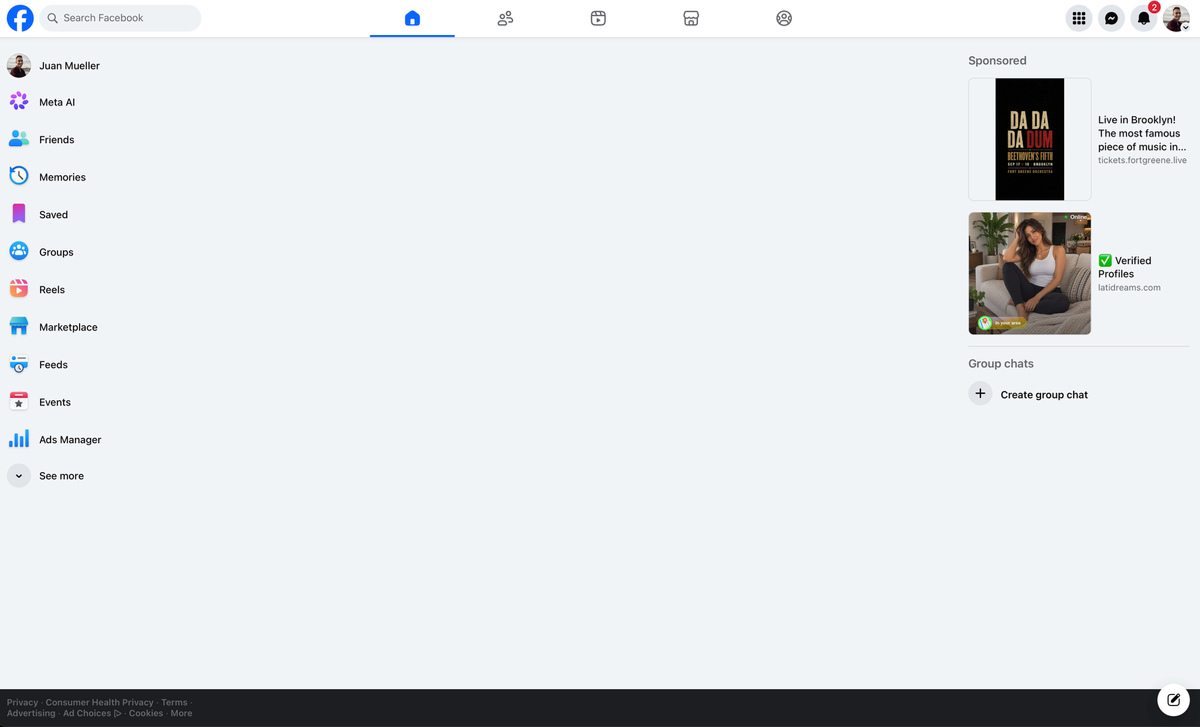
Same extension, wider window.
FeedBlocker is built once in Xcode and ships for Safari on both iOS and macOS. On a desktop feed the difference is hard to miss.
01
It hides the feed, not the site
The extension targets the feed container on three domains and nothing else. No content rewriting, no injected ads, no rerouting through a server you have never heard of.
02
Your data stays on your device
There is no account, no telemetry and no backend. The only thing FeedBlocker stores is which of the three sites you asked it to quiet, kept locally by Safari.
03
Small enough to read in one sitting
A Swift app wrapper around a handful of JavaScript, built in Xcode. Deliberately barebones: you can read the whole extension and see for yourself what it touches.
Don’t take our word for it.
The repository holds the whole thing: the iOS and macOS app targets, both Safari extensions, the shared JavaScript and the icons. Read it, fork it, file an issue, send a pull request.
- Written in Swift and JavaScript, built with Xcode.
- Separate targets for iOS and macOS Safari, sharing one extension.
- Free to use, free to copy, free to improve.
- github.com/projectnoa/FeedBlocker