
iPhone & Apple Watch
Your workout, without the busywork.
MyRepCounter is made to get out of your way. Pick a workout, press Start, and focus on moving. The app takes care of the rest.
- Free
- No sign-in required
- Apple Watch app included
01 — One card at a time
No menus. No tapping between sets.
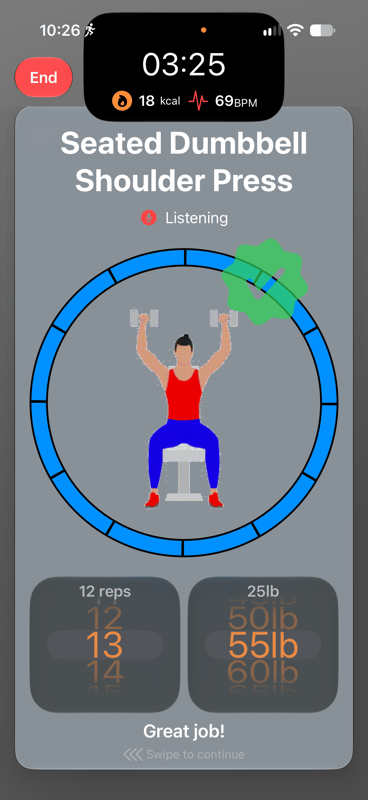
Each exercise fills the screen with a clear demo, a timer, and the reps to hit. When the timer ends, the next card is ready. No menus, no tapping between sets.
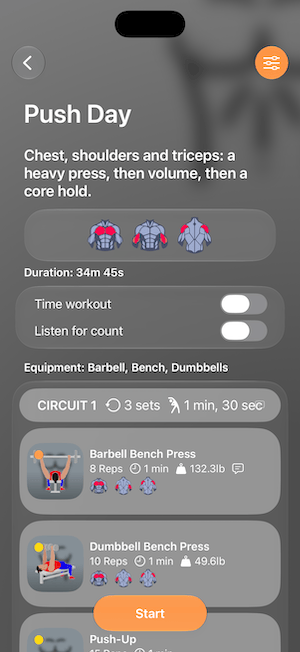
- 01Pick a workout
See the muscles it targets, the equipment you need and every circuit before you begin.
- 02Press Start
A live timer, calories and heart rate sit at the top of every card.
- 03Move
Turn on Time workout and cards advance on their own, or swipe when you are ready.
02 — Count out loud
Say the number. Keep your grip.
Turn on Listen for Count and say your reps as you go. MyRepCounter keeps the tally, so your hands stay on the weights.
Training somewhere quiet? Leave Listen for Count off and log reps with the wheel instead.
03 — Beat last time
Every rep on the record
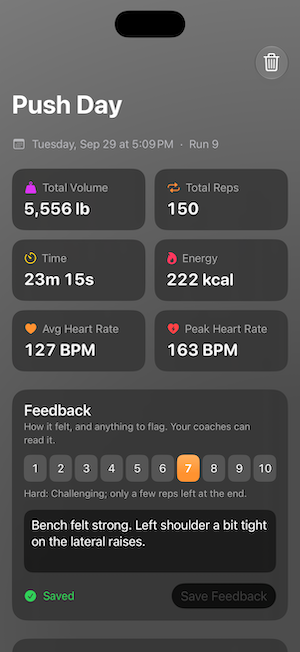
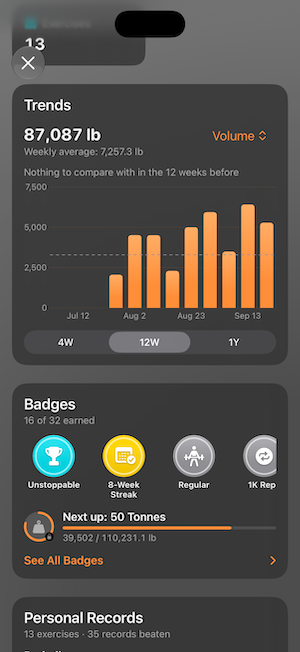
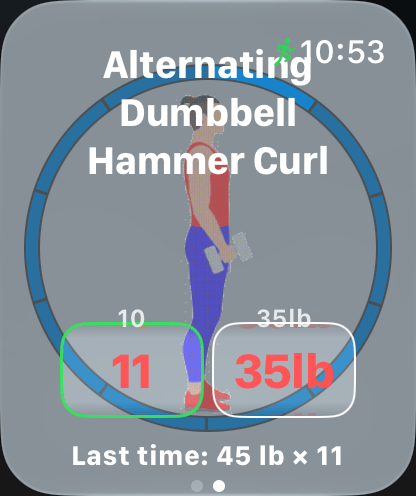
Every exercise shows what you did last time. Log your reps with a quick spin of the wheel, and every workout is saved to History.
04 — Built for Apple Watch
Leave your phone behind
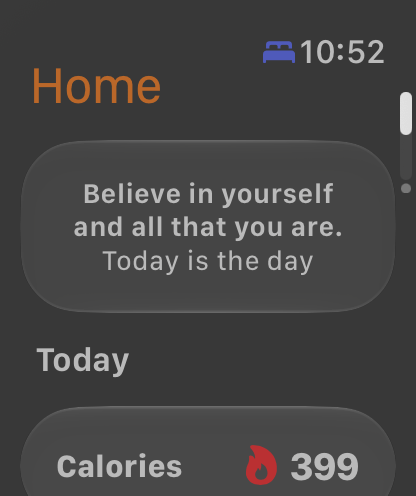
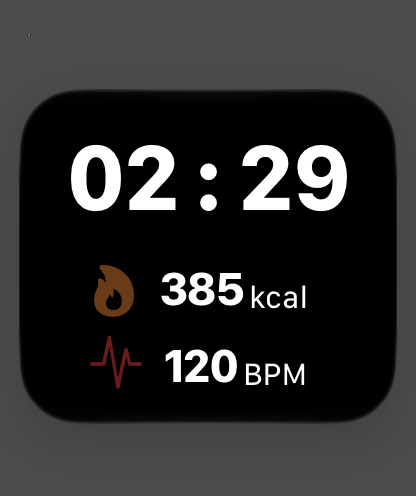
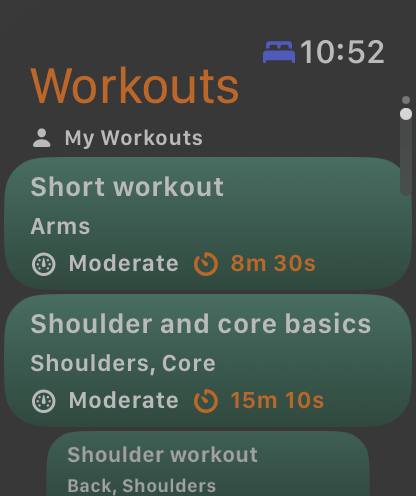
See your heart rate and calories live, or leave your phone behind and run the whole workout from your wrist. Your results sync back to your iPhone.
05 — Workouts your way
Built in seconds. Or just described.
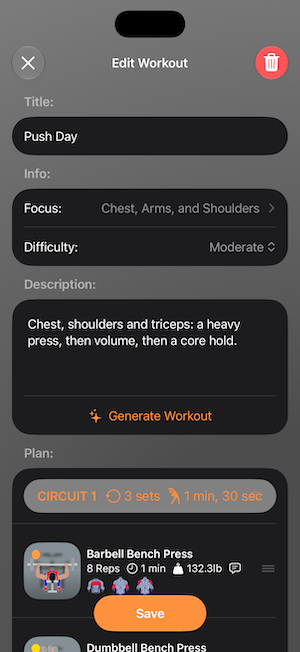
Start with more than 200 exercises and ready-made workouts, or build your own from circuits in seconds. On supported devices, describe the workout you want and Apple Intelligence builds it for you.
Generate Workout · Apple IntelligenceCircuits, sets, rounds
Set reps, weight and time per exercise, then group them into circuits.
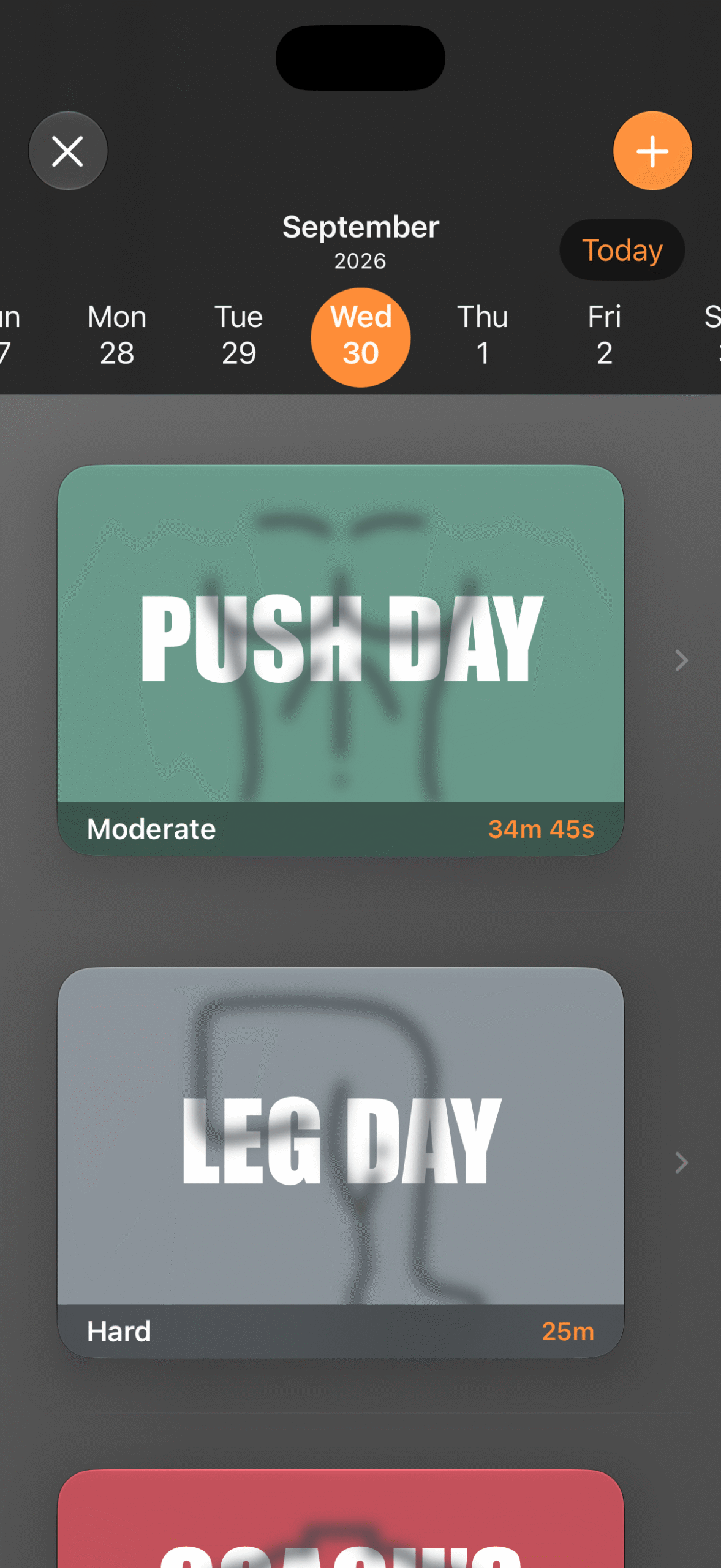
Schedule the week
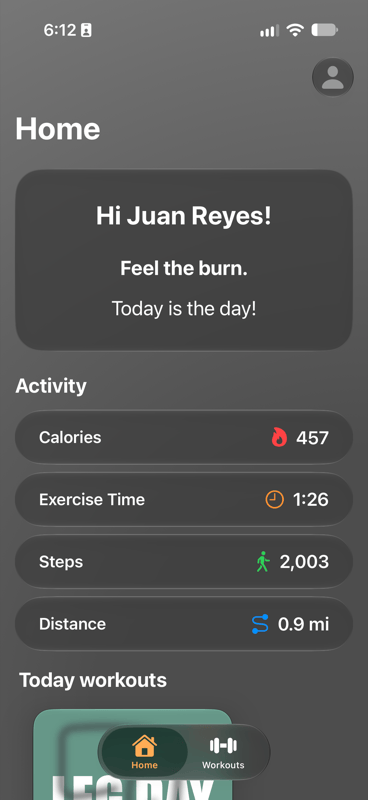
Put workouts on the days you plan to do them. Today's show up on Home.
06 — Train with a coach
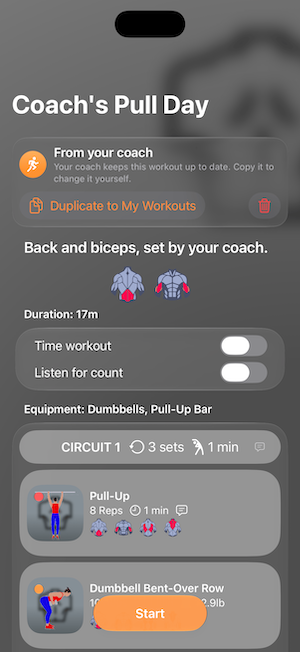
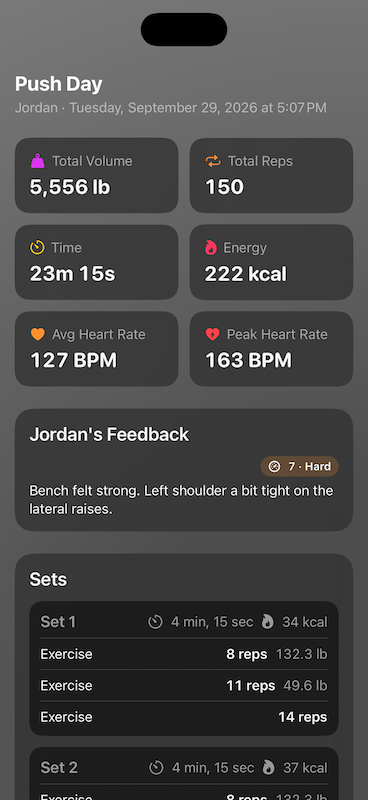
Your coach's plan, in your app
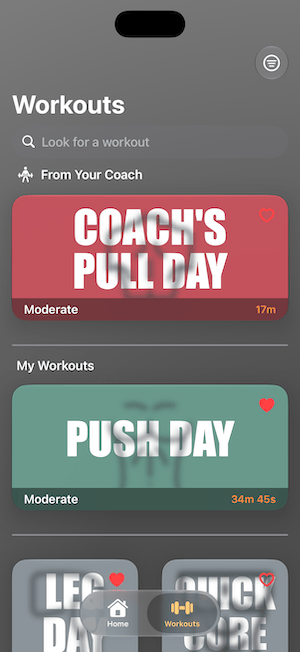
Connect with a coach who can send workouts straight to your app.
Accounts
Press Start before you sign anything
No sign-in
Download it, open it, train. The workouts, the full exercise library, History and the Apple Watch app all work without an account.
Sign in when you want more
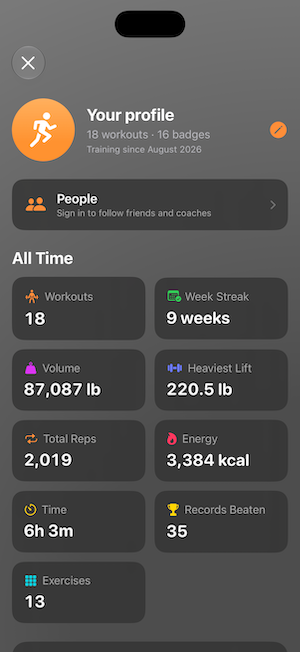
An account lets you follow friends and coaches, receive coach workouts, and keep your workouts and progress saved.
Questions
Before you download
How does Listen for Count work?
Turn it on for a workout and say your reps out loud as you go. The app keeps the tally on the card. Leave it off and log reps with a spin of the wheel instead.
Do I need an Apple Watch?
No. The iPhone app works on its own. With a watch you get live heart rate and calories, and you can run the whole workout from your wrist. Results sync back to your iPhone.
Is it really free?
Yes. MyRepCounter is free and independently developed. If it helps you train, buying a coffee helps keep it going.
Which devices can generate workouts?
Describing a workout and having it built for you uses Apple Intelligence, so it is available on supported devices. Everyone can build workouts by hand from 200+ exercises.
How do I connect with a coach?
Sign in from your profile, then follow your coach under People. Workouts they send appear under From Your Coach, and they can see the runs and feedback you share.
Can I time my workouts?
Yes. Turn on Time workout and each exercise runs on a timer, moving to the next card when it ends.
Less time on your phone.
More time training.
Download MyRepCounter and press Start.
MyRepCounter is free and built by one independent developer. If it earns a place in your training, a coffee, a kind word or a job offer is appreciated.